
How do I change the frequency of my subscription?Updated 2 months ago
To make changes to the frequency of your subscription, follow these steps:
- Go to the bottom of our website and click "Manage subscription."
- Enter the email linked to your subscription and you will be sent a one time code to fill in.
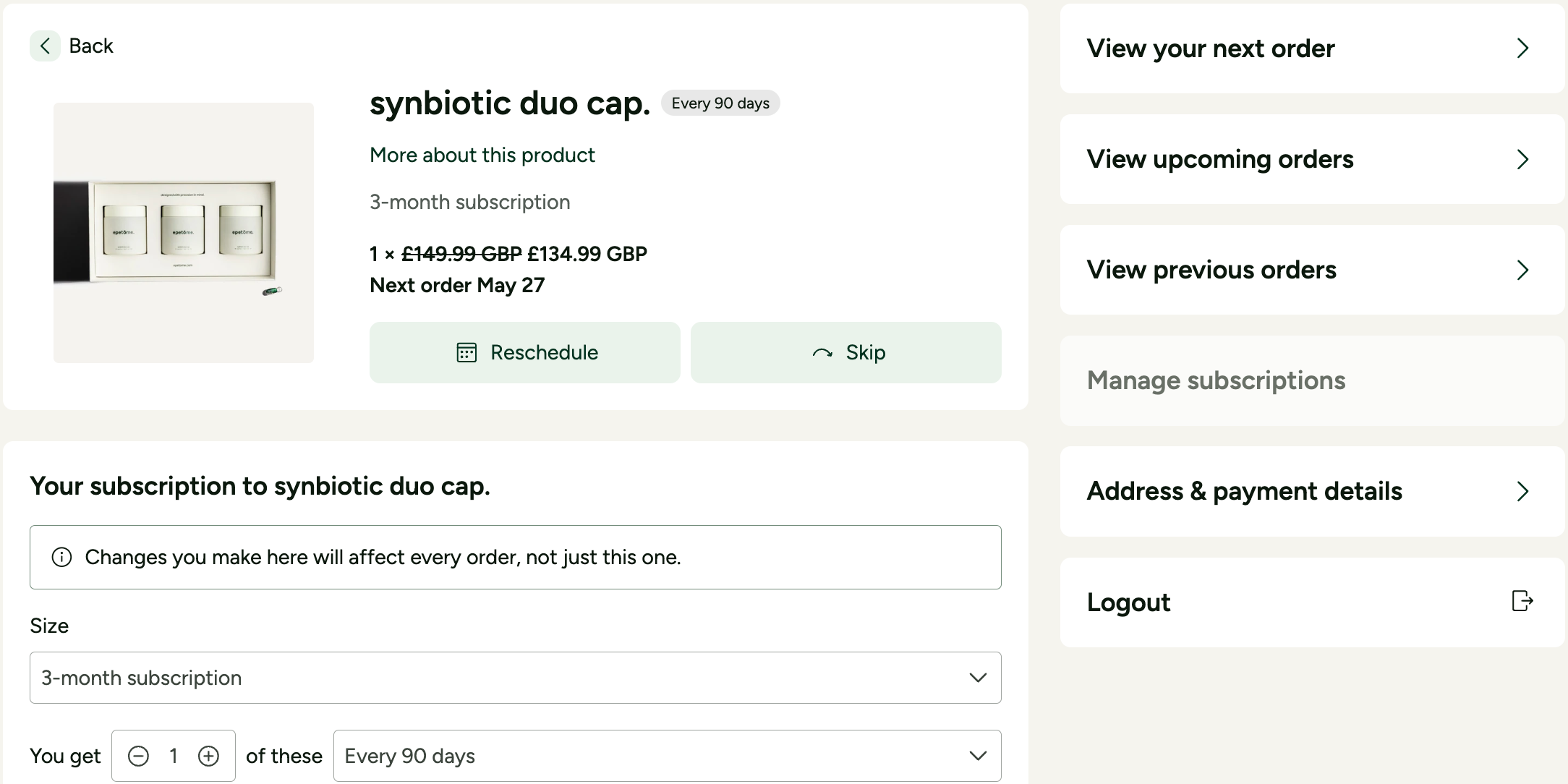
- Once logged in, on the right, select "Manage Subscription" and choose your active subscription.
- You'll see an option to adjust how often you receive your order (e.g., changing from a 3-month to a 6-month subscription).
If you have any questions, our team is happy to help!